
Installing and managing mods
The announced Mod Hub supports browsing, subscribing and automatic downloads from the main menu. Exact release-build screens still need confirmation.
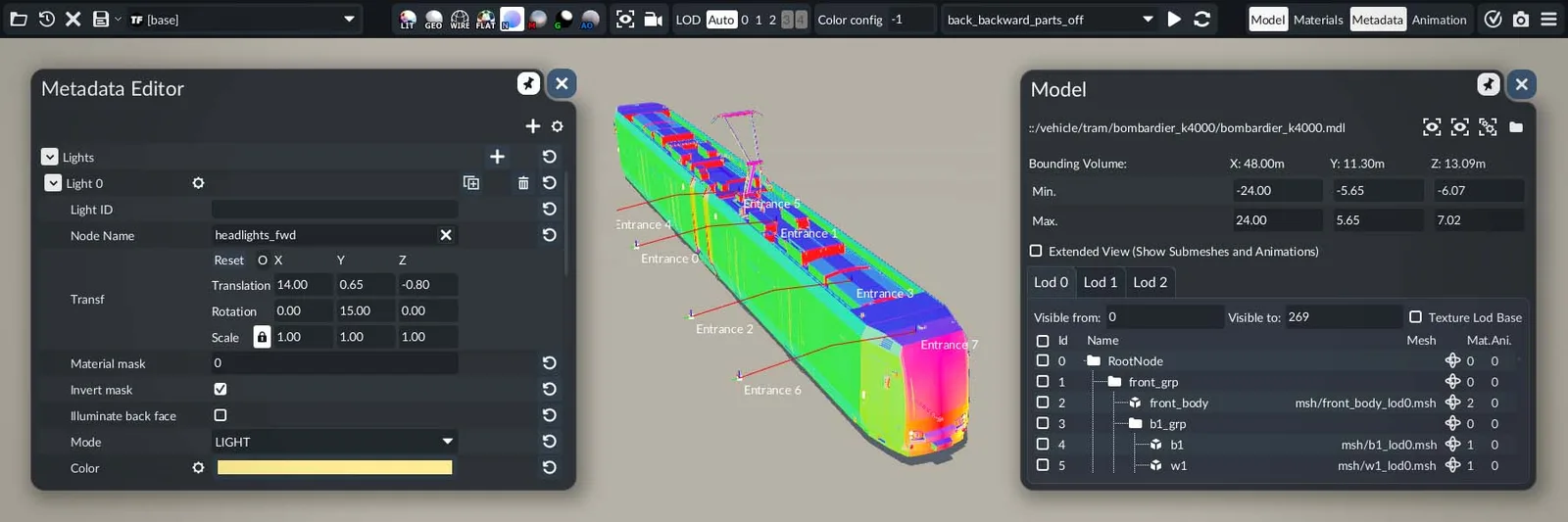
What we know
Operations schematicConceptual
Choose the mode around the journey
Road & tramStreet and terminal access
RailTrack and station planning
WaterPier and inland transfer
AirAirport and ground connection
How to approach the decision
Editorial planning advice based on the confirmed systems above.
- Confirm the platform and current game version in the listing.
- Inspect required dependencies before enabling the mod.
- Back up an important save and test changes on a separate save.
- Record the mod IDs and versions when reporting a problem.
A mistake to avoid
Do not follow an assumed TF2 installation path or menu sequence: TF3’s released workflow is not verified here.
What still needs live data
Exact numerical values, release-build menus and reproducible gameplay tests will be added only after verification.
Exact values and operating advice are added after testing against a recorded game build. Check the source date before relying on a number.
Put it to work
Open toolnetwork checklist
Use your own scenario values. No guessed TF3 presets.
Official sources
Highlights dev blogOfficial support FAQSource verification: September 25, 2026. Evidence policy and source ledger.